DeroomDeroom
Room Design
Kitchen DesignBathroom DesignLiving Room DesignCloset Design
Outdoor Design
Home Exterior DesignLandscape DesignPricingHistoryPartners
Free · No credit card

AI Landscape Design from a photo.

Free AI landscape design — upload your yard, pick a style, see the redesign in 30 seconds.

  • Keeps your layout
  • 30 sec redesign
  • 1 free generation
  • No credit card

Upload your yard photo

Click to upload or drag and drop
JPG, PNG, WebP · Up to 10MB

Weather

Time of day

Landscape style

Add your own details

0/500

Your AI landscape preview

See your yard transformed with AI in seconds.

AI Redesign
Before
BeforeAI Redesign
1. Upload a photo
Add a clear photo of your yard or landscape.
2. Choose preferences
Pick weather, lighting, and landscape style.
3. Generate redesign
Get your AI-powered landscape in seconds.
Your photos are private and secure.
We use industry-standard encryption and never share your images.

What changes, what stays

ai landscape design tools — what they touch.

The AI updates the soft-and-hardscape layer — plants, beds, hardscape, lawn area, lighting, and entry sequence. The lot shape, house position, driveway, and mature trees over ~15ft are kept exactly as in the source photo.

AI Landscape Preview

Before & after · Yard layer updated

After
Before
BeforeAfter
Same lot, same house, fresh yard

Plant beds & borders

Perennial borders, foundation plantings, ornamental grasses, native meadows, shrub massings.

Hardscape & paving

Patios, walkways, gravel paths, retaining walls, paver patterns, dry-creek beds, edging.

Lawn & ground cover

Turf, no-mow grasses, native meadow, clover, moss, decomposed granite — and where to lose lawn.

Water & drainage

Fountains, small ponds, dry creek arroyos, swales, rain gardens, drip irrigation routing.

Outdoor lighting

Path lights, uplights on specimen trees, integrated step lights, string lights, low-voltage runs.

Structures & edges

Pergolas, arbors, raised beds, fencing, gates, garden walls, planters, trellises.

Hundreds of plant + hardscape variations. Your exact yard. Under the hood, our ai landscape design generator explores options while preserving what makes your lot, your lot.

Real scenarios

ai landscaping design, in practice.

Homeowners briefing landscapers, agents staging listings, contractors confirming scope — one render of the real lot, not a Pinterest board.

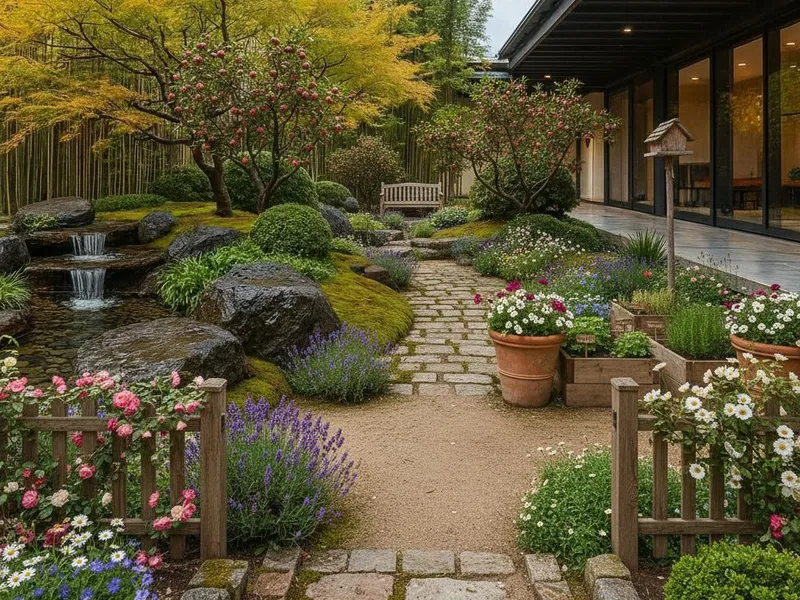
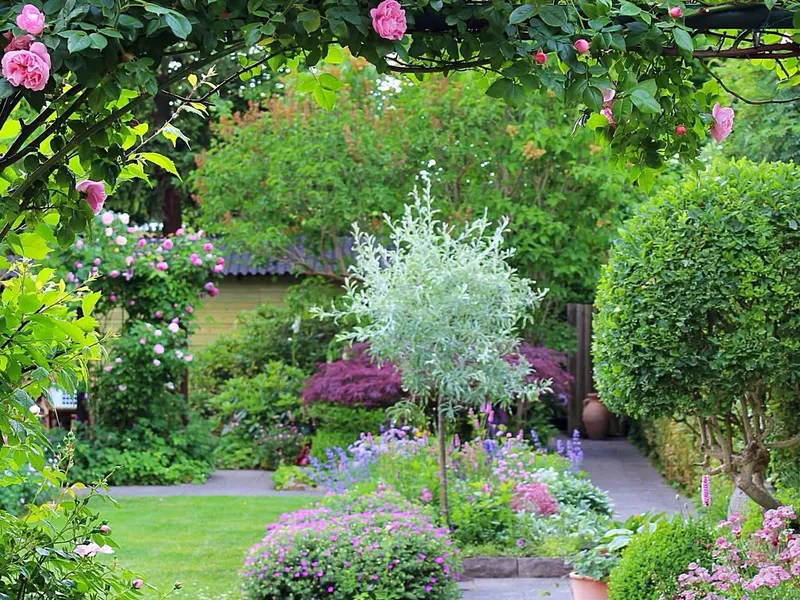
English mixed-border garden with dense perennials — example plant palette previewed on a real yard photo.
Test

Test plant palettes before the nursery run

A spreadsheet of perennials won't tell you whether the silver santolina reads cool against the cedar fence or whether the catmint mass disappears at 30 feet. Run 8 palettes on your real yard before the $2K nursery run.

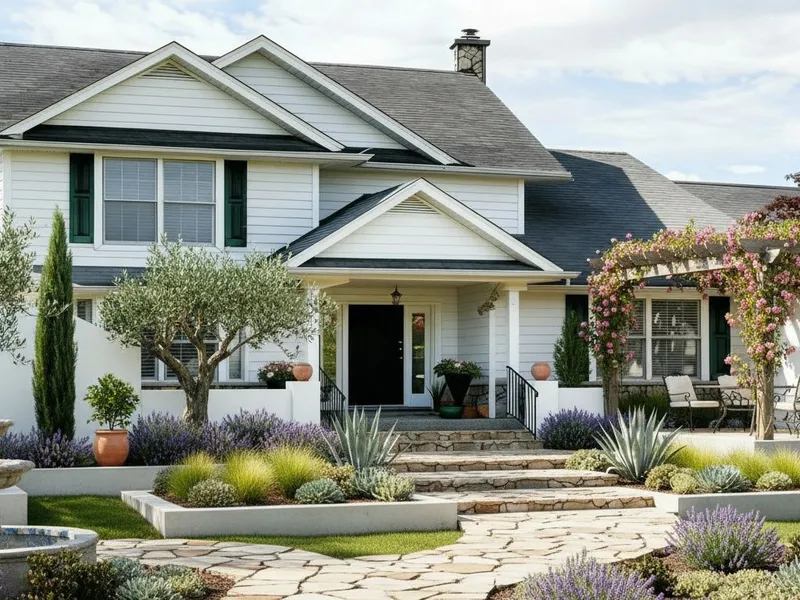
Mediterranean drought-tolerant landscape with olive, lavender, and terracotta — a clean render to brief a landscape contractor.
Brief

Hand the landscaper one render, not five Pinterest boards

Landscape contractors quote off ambiguity — the looser the brief, the bigger the cushion. One photoreal render of your real lot tightens the bid and locks scope before any sod is delivered.

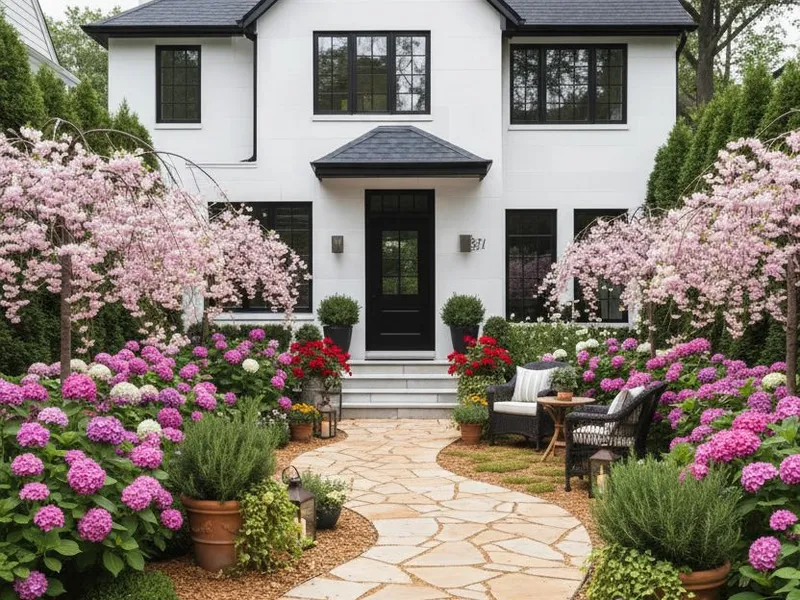
Countryside-style front yard with picket fence and perennial border — staged curb appeal for an MLS listing.
Stage

Stage the curb appeal before listing photos

The MLS hero shot is decided in 200ms. Tired sod and overgrown junipers kill the click-through. Render a refreshed front yard so buyers see the upside — then disclose the AI edit per local listing rules.

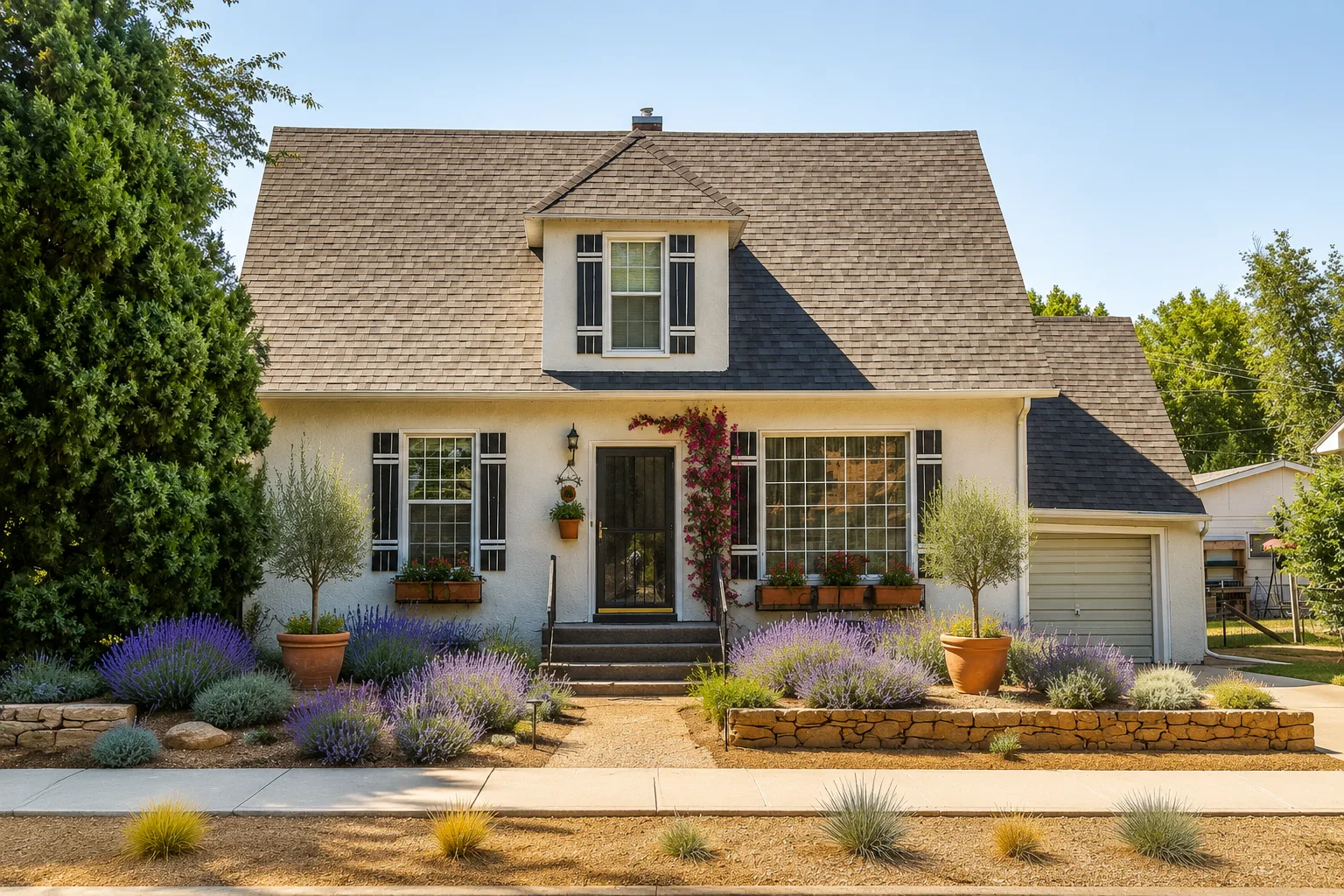
Cozy outdoor retreat with seating nook, fire bowl, and layered plantings — a planned backyard outdoor living layout.
Plan

Plan the backyard before the deck-and-patio quote

A backyard with paver patio, raised beds, fire pit, and string lights runs $25K–$70K. Test the layout on your real yard — patio size, plant zones, lawn vs no-lawn — before any of it is poured.

What it can and can't do

ai for landscape design — what it can, what it can't.

Use the AI to lock plant palettes, hardscape direction, and the overall composition on your real yard photo — but leave irrigation specs, drainage engineering, and zoning to a licensed pro.

Visual preview, not construction documents

Where the AI actually helps

  • Trying plant palettes, hardscape, and pathways on a photo of your real front or backyard
  • Comparing 9 landscape styles before any plants are ordered or sod is removed
  • Generating a single render to brief a landscaper, garden designer, or hardscape contractor
  • Producing a refresh-only curb-appeal preview for an MLS listing or open house
  • Aligning a couple on lawn-vs-no-lawn, patio size, and plant density in one image

Where the AI is the wrong tool

  • Produce a planting plan with botanical names, spacing, and quantities
  • Engineer drainage, grading, irrigation zones, or stormwater compliance
  • Replace a landscape architect, arborist, or contractor site walk
  • Verify HOA rules, setback requirements, native-plant ordinances, or tree-removal permits
  • Guarantee plant survival, regional hardiness, or specific nursery SKUs

FAQ

Frequently asked questions.

It updates the soft-and-hardscape layer — plant beds, ground cover, lawn, walkways, patios, retaining walls, edging, planters, water features, garden lighting, and entry plantings. The lot shape, house position, driveway, street edge, and mature trees over ~15 feet stay where they are.

Photos upload over HTTPS and are stored privately on Cloudflare R2, tied to your account. We don't sell, share, or train third-party models on your uploads. You can delete any generation and its source photo from your history at any time.

Modern diffusion models reproduce plant texture, foliage density, and hardscape material convincingly — enough to align a household and brief a landscaper. Plant size reads a little optimistic (think year 3 maturity, not year 0). Treat the render as a high-fidelity preview, not a planting plan.

Yes — that's the main use case. Hand them the render plus a short note ("this plant feel, this paver size, this lighting") and the quote tightens up. On paid plans the render is commercial-use licensed for quote requests, scope docs, and change orders.

Yes. Sign up with Google for 10 free credits — enough for one no-watermark render on your real yard. Paid plans start at $9.99/month for 20+ generations, 4K output, and a commercial-use license for listings, designer proposals, and contractor scopes.

9 styles tuned to climate and formality: Modern, Minimalist, Classic, Geometric Beds, English, Countryside, Cozy Space, Japanese, and Mediterranean. Each is calibrated for the right plant palette, hardscape vocabulary, and ground-cover ratio.

Same tool, same workflow. Front yard, side yard, and backyard are all valid uploads — fenced backyards with deck and lawn, side-yard utility strips, front-yard curb-appeal shots. Outdoor-living scenes (patio + fire pit + raised beds) work the same way; shoot from far enough back to show the full footprint.

Point a phone camera at the part of the yard you want to change — front bed, back patio area, side strip — and upload that one photo. The tool reads your real lot as the structural reference, then repaints the soft-and-hardscape layer in the style you pick. You stay in your real space the whole time, so the render reflects your actual sun, slope, and footprint, not a stock template.

Three steps, about 30 seconds. (1) Upload a clear photo of your yard, shot from far enough back to show the full area. (2) Pick a style and the weather/time-of-day mood from the strip above the workbench. (3) Hit generate — the AI returns a photoreal redesign that keeps your lot shape, house position, and mature trees, and updates plants, hardscape, paths, and lighting. Re-run with a different style as many times as you like before handing the favorite to a landscaper.

Your next yard
is one photo away.

Sign up free and run the best AI landscape design preview on your real yard in 30 seconds.
Generate for free →