DeroomDeroom
Room Design
Kitchen DesignBathroom DesignLiving Room DesignCloset Design
Outdoor Design
Home Exterior DesignLandscape DesignPricingHistoryPartners
Free · No credit card

AI Home Exterior Design Free from a photo.

Upload a photo of your house, pick a style, and preview a refreshed exterior — siding, paint, trim, doors, garage, and entry — in 30 seconds. No signup.

  • Keeps your layout
  • 30 sec redesign
  • 1 free generation
  • No credit card

Upload your home photo

Click to upload or drag and drop
JPG, PNG, WebP · Up to 10MB

Siding material

Weather

Time of day

Exterior style

Your AI exterior preview

See your home transformed with AI in seconds.

AI Redesign
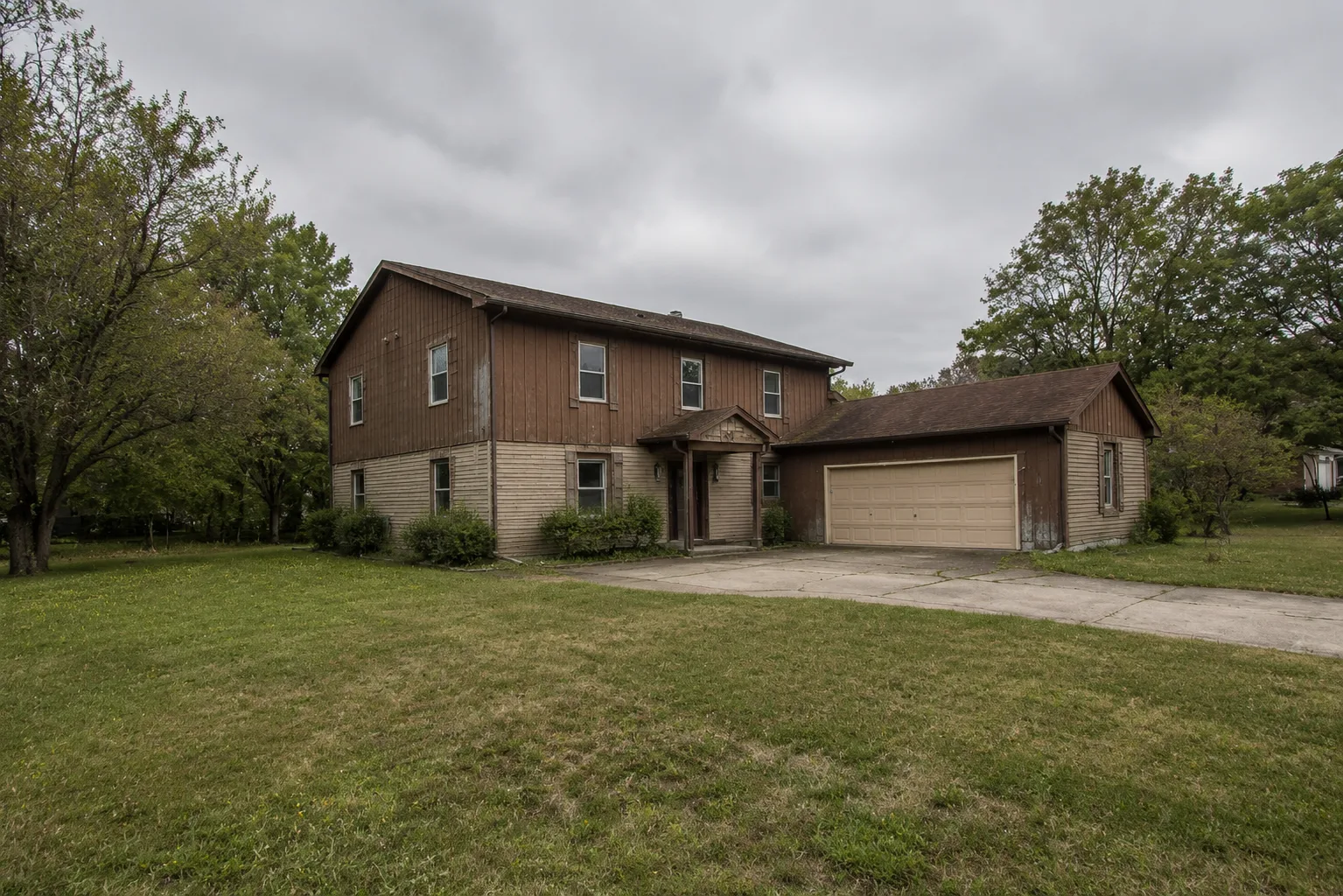
Before
BeforeAI Redesign
1. Upload a photo
Add a clear photo of your home's exterior.
2. Choose preferences
Pick angle, material, lighting, and style.
3. Generate redesign
Get your AI-powered exterior in seconds.
Your photos are private and secure.
We use industry-standard encryption and never share your images.

What changes, what stays

What can AI house exterior design actually edit?

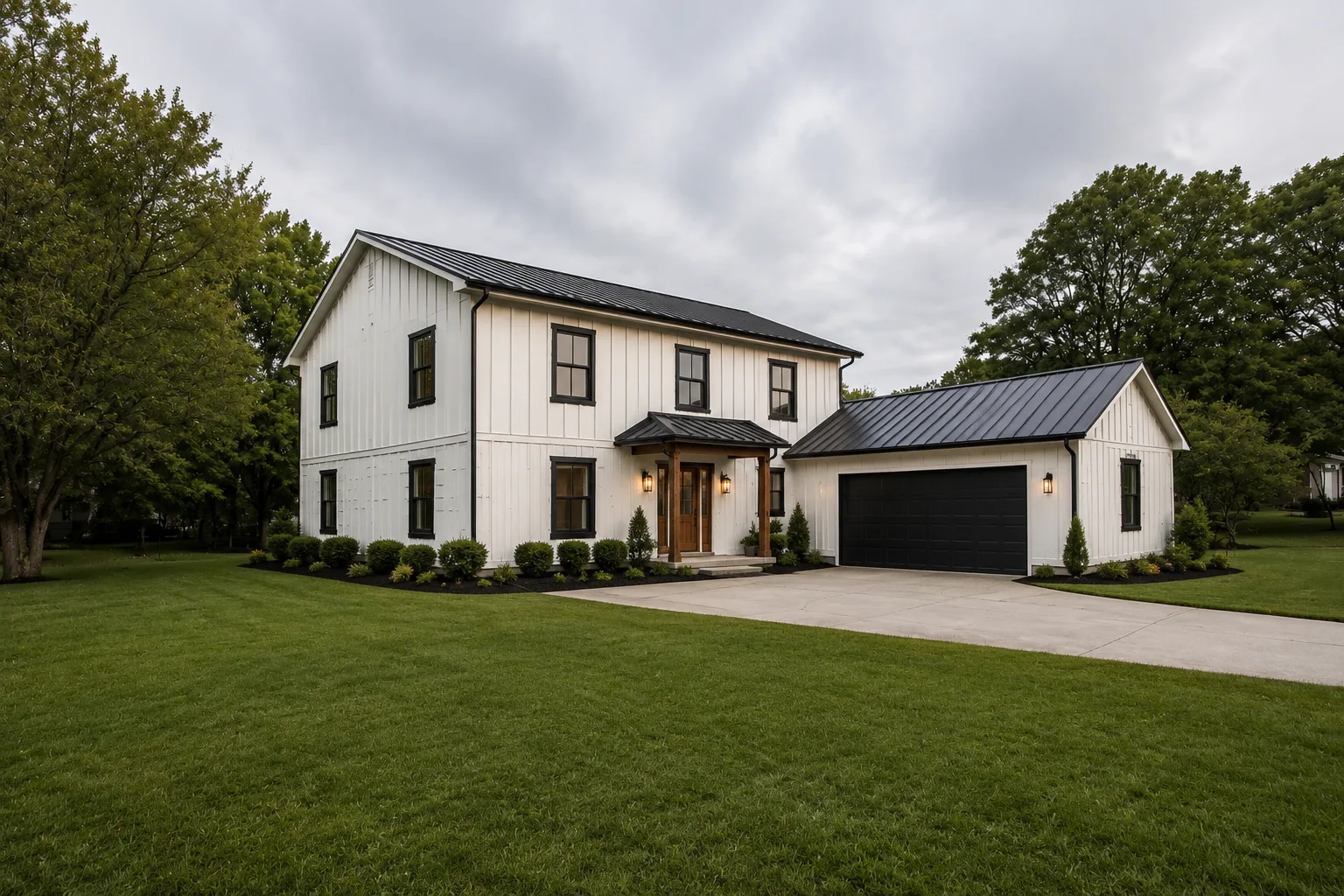
The AI updates the finish layer — siding, paint, trim, doors, roof material, and entry plantings. The house's footprint, roofline, and window placement are kept exactly as in the source photo.

AI Exterior Preview

Before & after · Finish layer updated

After
Before
BeforeAfter
Same footprint, roofline & window placement

Siding

Board-and-batten, cedar shake, fiber cement, brick veneer, stucco and more.

Paint & color

Body color, trim color, accent color — tested in your real light and environment.

Trim & details

Window trim, corner boards, fascia, soffit, gutters, and other details.

Doors & garage

Front door style & color, sidelights, garage door panel style and finish.

Roofline + roof material

Architectural shingle, standing seam metal, slate, clay tile, and more.

Entry landscaping

Walkway, foundation plantings, porch pots, railings, and front-yard accents.

Hundreds of variations from one photo — this is exterior home design ai that keeps your footprint. It explores options while preserving what makes your home, your home.

How it works

From house photo to a new exterior in 30 seconds.

Upload a phone photo of your home's exterior, pick a style, and the AI keeps the windows, roofline, and footprint while siding, paint, trim, garage door, and entry landscaping change. The render is ready before your contractor calls back.

Test siding, paint, and trim before you commit a $30K reno

Exterior paint and siding are the most expensive 'oops' in home improvement. A single repaint runs $4K-$12K and a re-side runs $15K-$40K — and a colorway that looked great on a sample card can read totally different on your actual house in your actual light. Deroom is a free AI exterior home design tool that lets you generate your house photo with 10-20 different siding (board-and-batten, cedar shake, fiber cement, brick, stucco), paint, and trim combinations in minutes. Bring the favorite to the painter or contractor as a single render instead of three swatches and a Pinterest board.

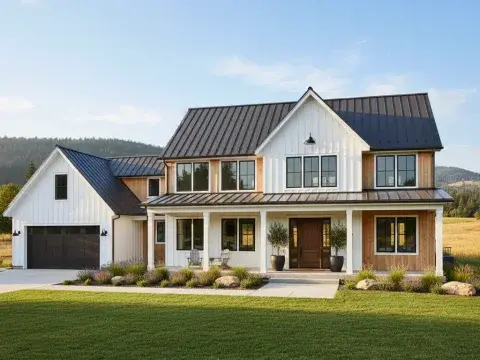
Modern farmhouse exterior — white board-and-batten siding, black standing-seam metal roof, black-framed windows, and clipped boxwood landscaping
Home Exterior · Modern FarmhouseSiding · Paint · Trim

AI home exterior design styles

20 Home Exterior design styles, one photo.

Pick a curated style and we tune the AI home exterior design prompt for that aesthetic — siding, paint, roof, trim, and landscaping calibrated for real residential facades, not stock photos.

Real scenarios

What people actually use AI home exterior design for.

Homeowners briefing painters, agents staging listings, and contractors confirming scope all use the same tool — a single photoreal render of the real facade, not a Pinterest board.

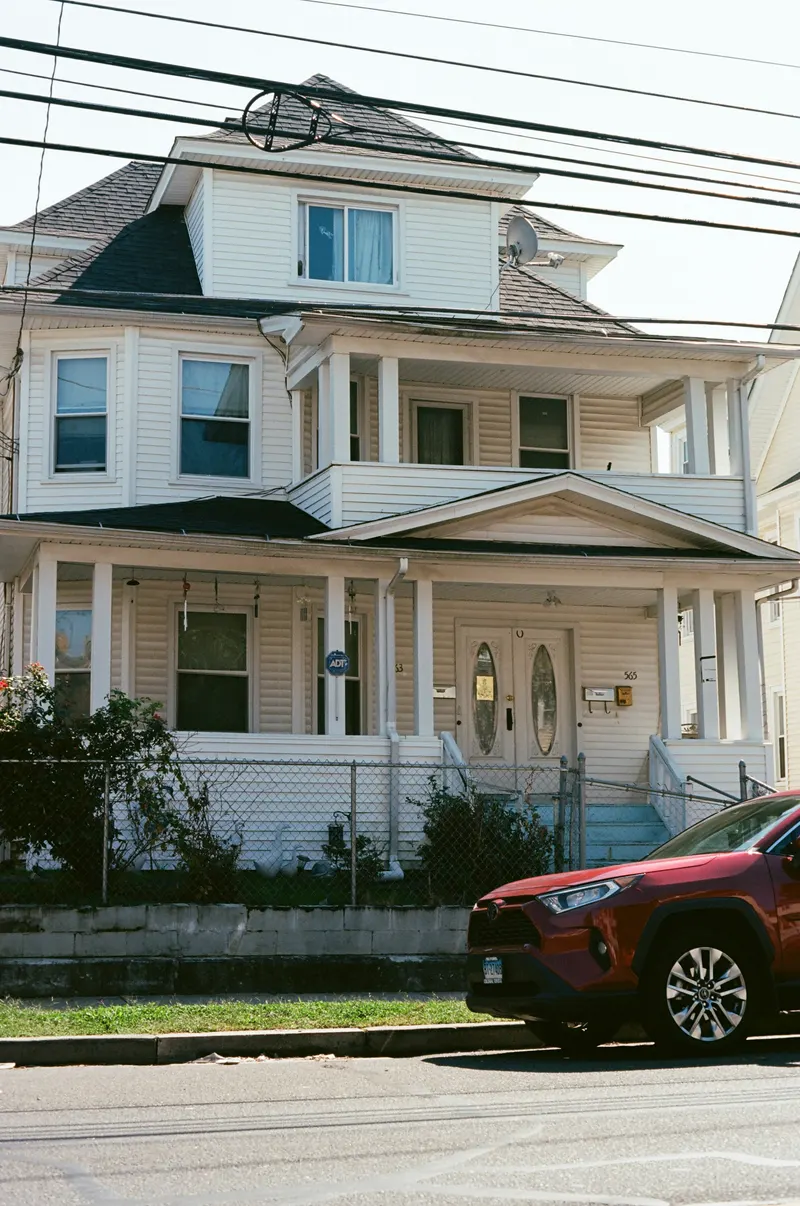
American home exterior with cream siding and white trim — example of a paint colorway tested on a real house facade
Test

Test paint colors on your actual house

A swatch card lies. The same beige reads warm on a south-facing wall and gray on a north-facing one. Upload your house photo, try 10 colorways in your real light before opening a single sample can.

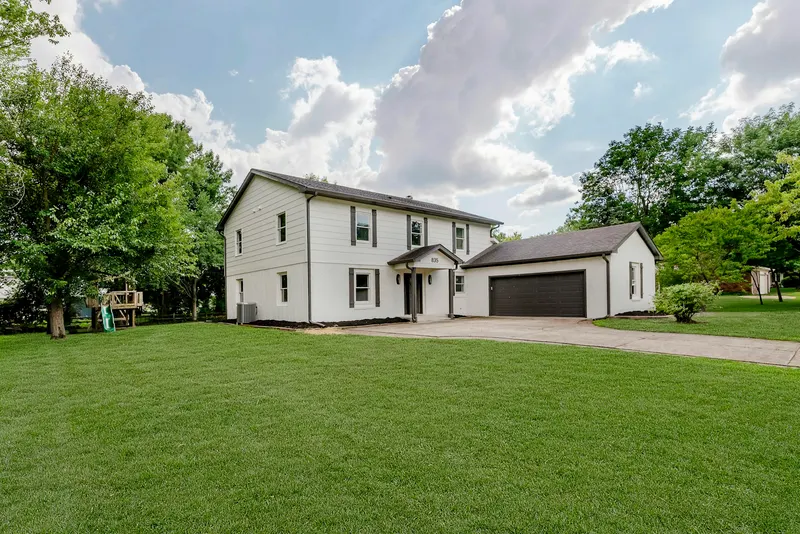
Freshly painted white two-story home exterior — a clean facade ready to brief a painter or contractor
Brief

Hand the painter one render, not three Pinterest boards

Painters quote off ambiguity — the more vague the brief, the higher the cushion. A single photoreal render of your real facade tightens the quote, removes back-and-forth, and lets them order materials with confidence.

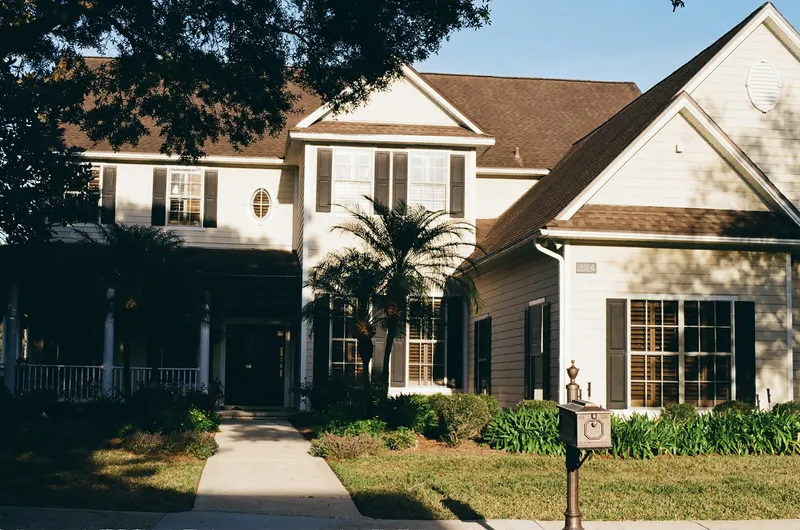
Two-story home with covered porch and manicured lawn — the kind of staged curb appeal that drives MLS listing click-through
Stage

Stage the curb appeal before the listing photos

The MLS hero shot decides the click-through. If the dated siding kills the first impression, generate a refresh-only render so buyers see the upside, then disclose the AI edit per local listing rules.

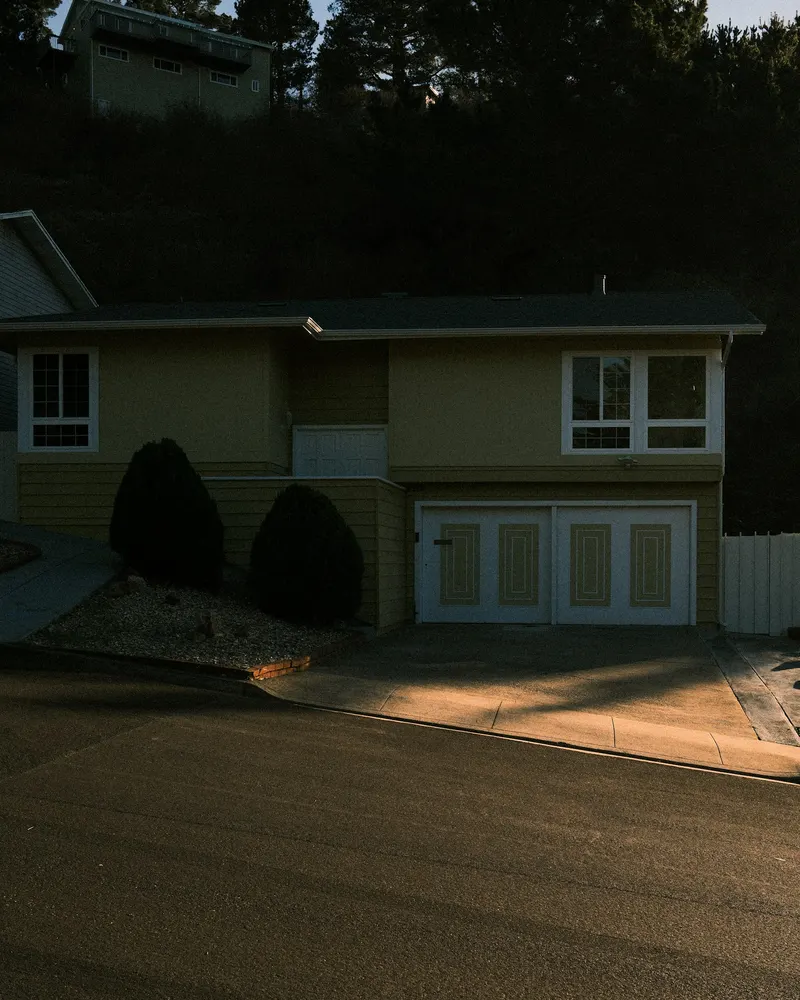
Suburban American home with attached garage — typical homeowner facade evaluated before a costly exterior renovation
Decide

Decide before the home-equity draw

Re-siding a 2,000 sq ft home runs $15K–$40K. A repaint runs $4K–$12K. Test 5 styles on your real house before you sign anything — it's the cheapest insurance against an exterior reno you'll regret for 10 years.

Why homeowners use it

Why choose AI exterior home design?

Preview exterior materials, colors, trim, garage doors, and curb appeal ideas — so you can choose with confidence before making real-world decisions.

30-second previewsSee ideas in less time than a coffee break.
Keeps your home structure intactWe change finishes, not your footprint.

Test siding + paint combos

Compare board-and-batten, cedar shake, fiber cement, and paint combinations before getting quotes.

Preview trim + garage door

See how trim color, garage-door style, and front-door paint affect curb appeal.

Keep the roofline

The AI preserves your home's footprint, roofline, and window placement while updating finish details only.

Explore real home styles

Try modern farmhouse, craftsman, traditional, coastal, and contemporary styles.

What it can and can't do

What AI exterior home design can and can't do — honestly.

Use ai for exterior home design to test siding, paint, trim, doors, and entry direction on your real house photo — but leave structural, code, and HOA decisions to a licensed pro.

Visual preview, not architectural drawings

Where the AI actually helps

  • Trying siding, paint, trim, and door combinations on a photo of your real facade
  • Comparing 12 exterior styles before any swatch, sample, or contractor walk-through
  • Generating a single render to brief a painter, sider, or contractor
  • Producing a refreshed facade preview for an MLS listing or pre-sale appraisal
  • Aligning the household on direction in one image, not five group-text threads

Where the AI is the wrong tool

  • Move structural elements — roofline, windows, doors, and footprint stay put
  • Provide siding measurements, square-foot takeoffs, or install specs
  • Replace an architect, structural engineer, or contractor site walk
  • Verify HOA, zoning, historic-district, or building-code compliance
  • Guarantee paint sheen names, siding stock SKUs, or material lead times

FAQ

Frequently asked questions.

It updates the visual finish layer — siding material and color, trim and accent paint, front door, garage door, roof material if you ask for it, and the foundation plantings near the entry. The home's footprint, roofline, window placement, and framing stay where they are because the photo is used as a structural reference, not a starting sketch. That's the whole point of ai home design exterior free previews: refresh the look, leave the structure untouched.

Photos are uploaded over HTTPS and stored privately tied to your account on Cloudflare R2. We don't sell, share, or train any third-party model on your uploads. You can delete a generation (and its source photo) from your history at any time. If you'd prefer to test with a generic exterior first, the workbench accepts any house photo — your own, a stock image, or a Google Street View screenshot.

Modern diffusion models reproduce siding texture, paint hue, trim contrast, and roof material convincingly enough to align a household and brief a contractor. Color reads slightly differently in physical light vs. a screen, so use the render to lock direction, then confirm the final color with a sample can on your actual wall before the painter starts. Treat the output as a high-fidelity preview, not a paint-chip match.

Yes — that's one of the two main reasons people use it. Hand them the render plus a short note ("this body color, this trim, this door") and they can quote material and labor without three rounds of clarification. On paid plans the render is commercial-use licensed, so it's fine to attach to a quote request, scope-of-work doc, or change order.

12 residential exterior styles tuned for North American facades: Modern, Modern Farmhouse, Craftsman, Mid-Century, Traditional, Coastal, Contemporary, Mediterranean, Tudor, Colonial, Ranch refresh, and Industrial. Each is calibrated for the right siding type, trim weight, roof pitch, and entry sequence — no "Mediterranean ranch with a Tudor garage" mismatches.

Yes. Sign up with Google for 10 free credits — enough for one no-watermark generation to confirm the tool works on your house. Paid plans start at $9.99/month and unlock 20+ generations per month, 4K resolution, and a commercial-use license for renders shared in listings, painter briefs, or contractor scopes.

Same tool. "House exterior" and "home exterior" describe the same job: take a photo of a single-family residence and preview a refreshed facade. The workbench, model, and 12-style library don't change based on the wording — "house" is more common in DIY-renovation phrasing, "home" is more common in real-estate listings, and we cover both intents on a single page.

It depends on what you're comparing. Judge any free option on three things: does it keep your real footprint, roofline, and windows; does it give a no-watermark render you can hand to a painter; and does it let you compare multiple styles before you pay. This one starts free with 10 credits — enough for one clean generation on your own photo — so you can test those three things on your house before deciding.

Your next exterior
is one photo away.

Sign up free and run a free AI exterior home design preview on your house in 30 seconds.
Generate for free →