DeroomDeroom
Room Design
Kitchen DesignBathroom DesignLiving Room DesignCloset Design
Outdoor Design
Home Exterior DesignLandscape DesignPricingHistoryPartners

Generation model

Deroom V1

Upload your kitchen photo

Click to upload or drag and drop
JPG, PNG, WebP · Up to 10MB

Design style

Aspect ratio

Match photo

Prompt(optional)

Your AI redesign preview

See your kitchen transformed with AI in seconds.

AI Redesign
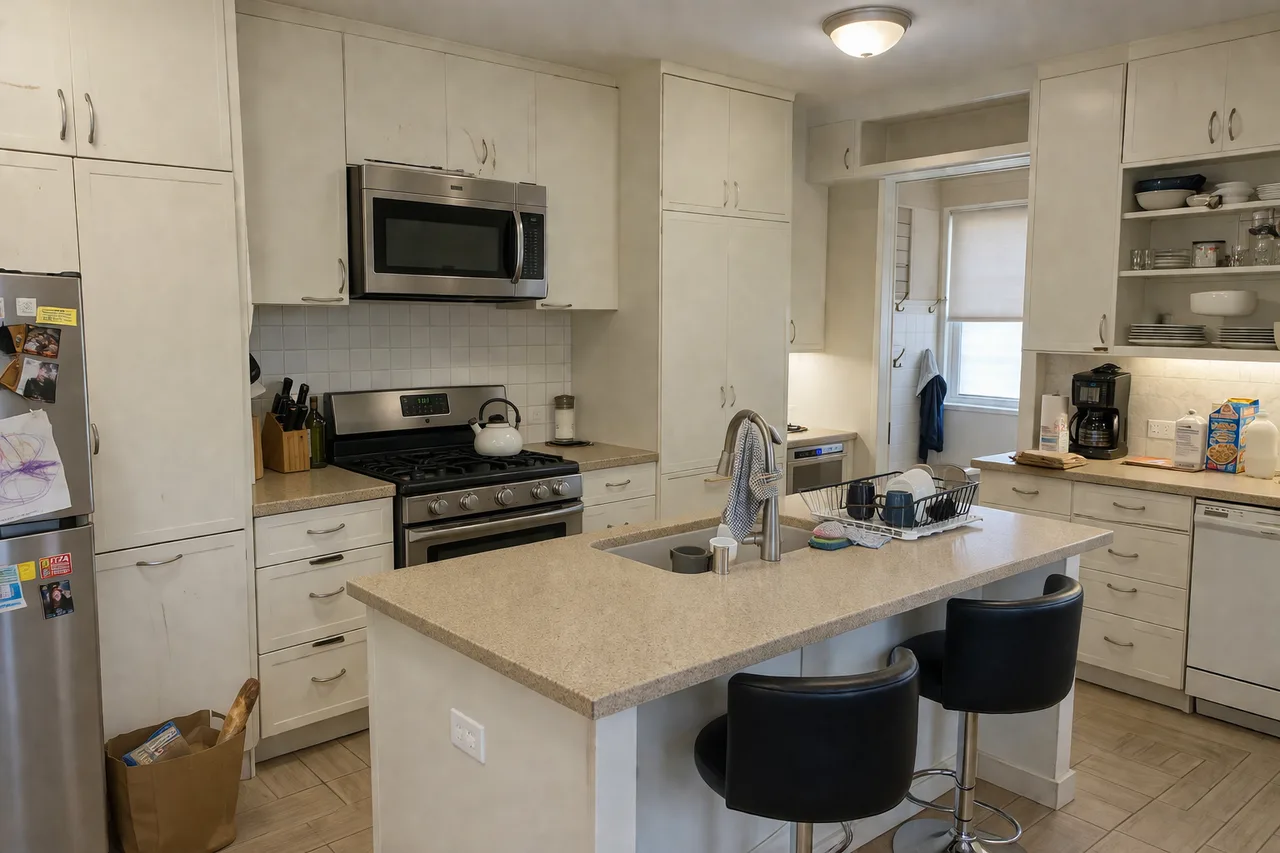
Before
BeforeAI Redesign
1. Upload a photo
Add a clear photo of your room.
2. Choose preferences
Select a design style and tweak the prompt.
3. Generate redesign
Get your AI-powered redesign in seconds.
Your photos are private and secure.
We use industry-standard encryption and never share your images.
Free · No credit card

AI Kitchen Design & Remodel from a photo.

Upload your kitchen photo, choose a style, and remodel your kitchen with our AI kitchen designer — a free, photorealistic redesign you can explore in seconds.

  • Keeps your layout
  • 30 sec redesign
  • 1 free generation
  • No credit card

Render quality

Photorealistic kitchen renderings in 4K

Photo realistic kitchen renderings, not stylized sketches: every redesign ships as a photorealistic kitchen rendering with accurate cabinetry, counters, and material textures that hold up at 4K.

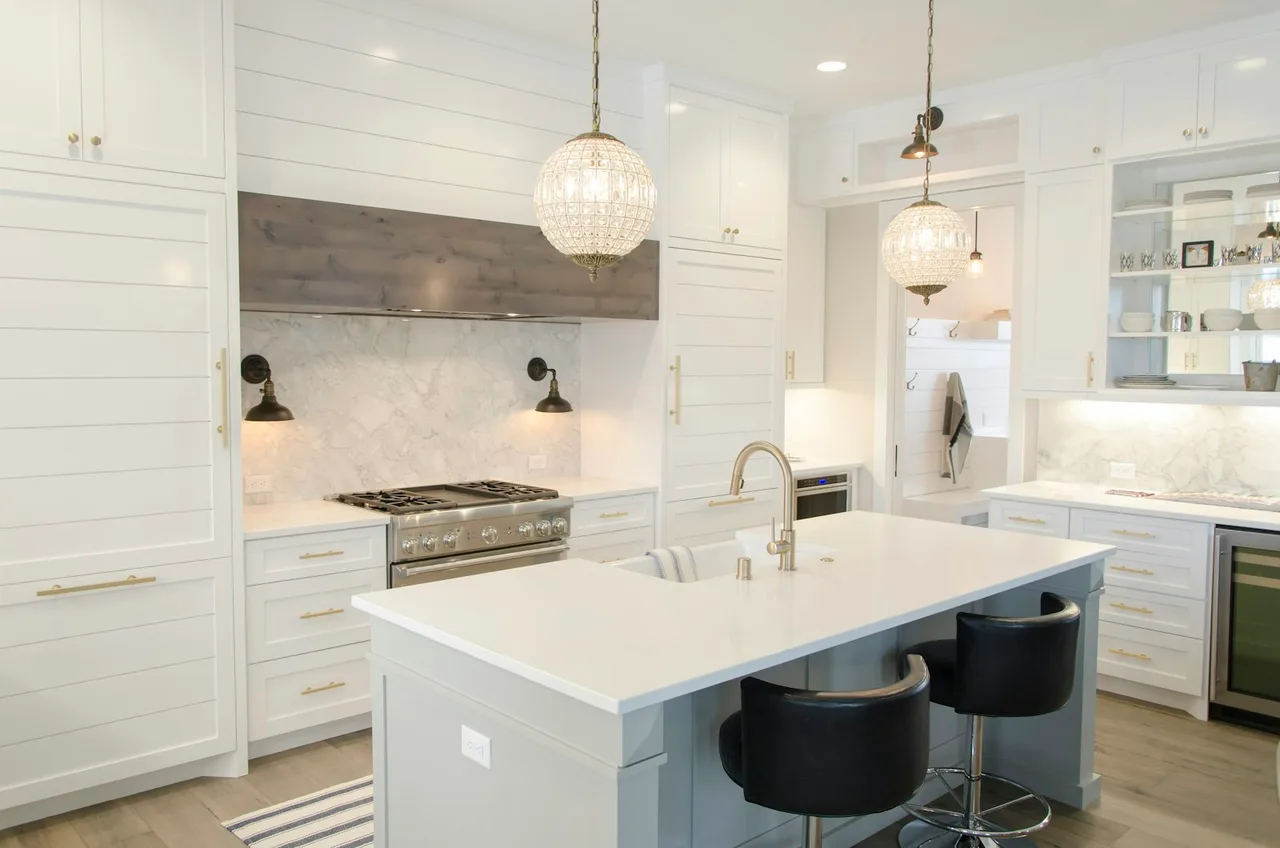
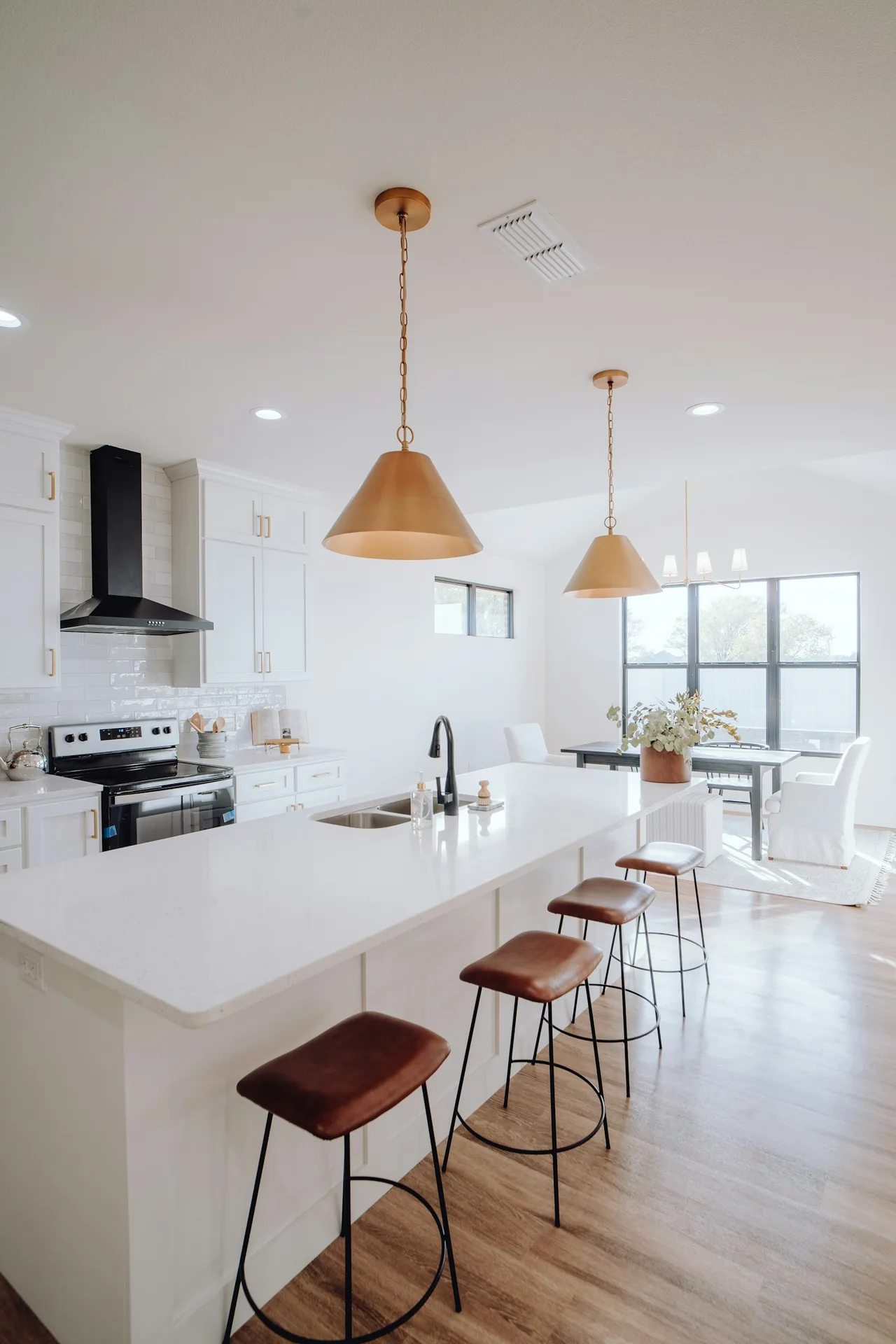
Photorealistic kitchen rendering of an all-white kitchen with quartz counters and a tiled backsplash.
All-white · 4K render
Photorealistic kitchen rendering of a Japandi kitchen with white oak shaker cabinets and warm lighting.
Japandi · 4K render
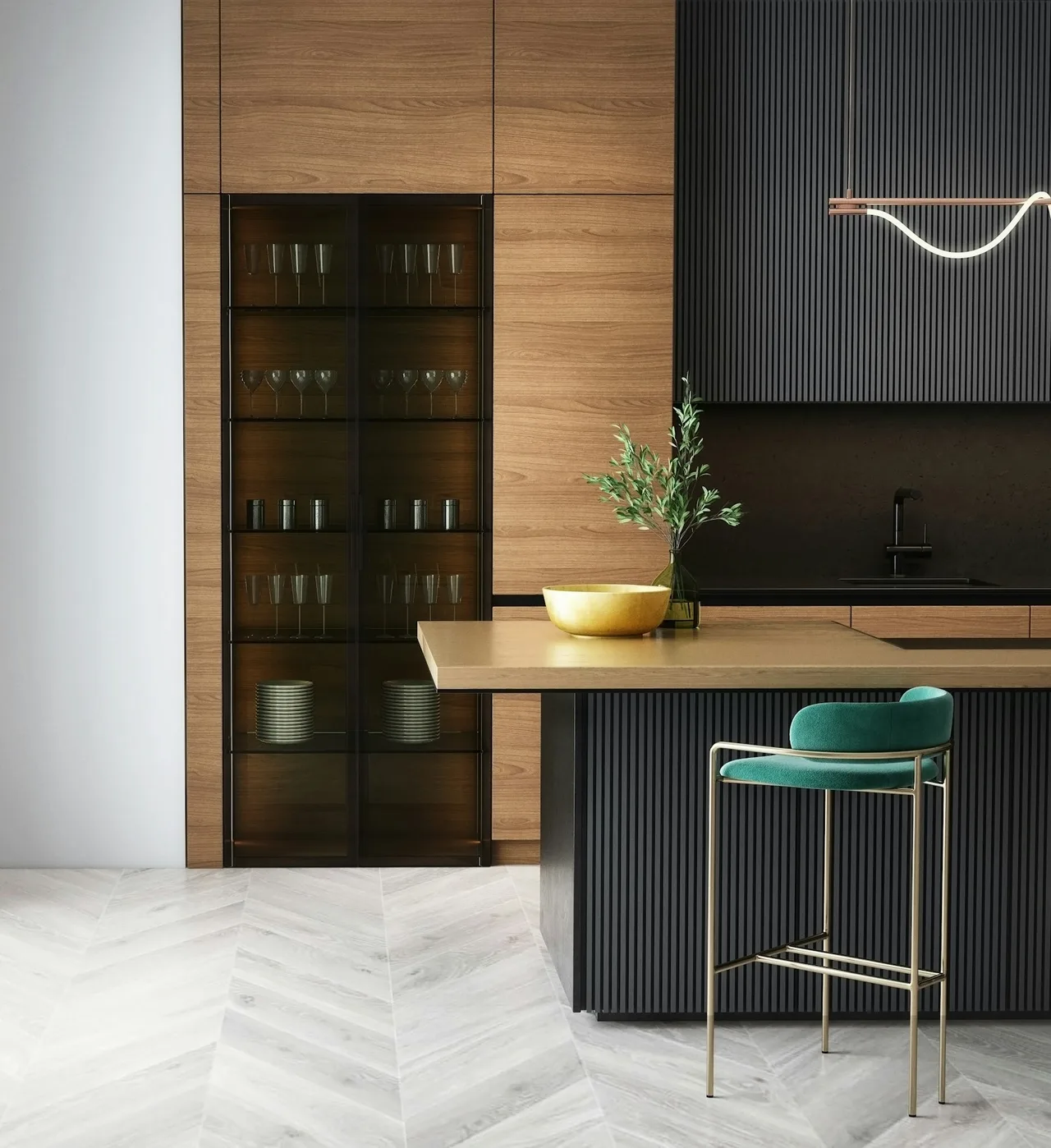
Photorealistic kitchen rendering with walnut cabinets, a dark slatted island, and brass hardware.
Walnut · 4K render
Photorealistic kitchen rendering of a Mediterranean kitchen with zellige tile and terracotta tones.
Mediterranean · 4K render
Photorealistic kitchen rendering prepared as a contractor brief showing cabinets, counters, and finishes.
Contractor brief · 4K render

What the AI redesigns

What can AI redesign in your kitchen?

Preview finish and style changes across your kitchen — while keeping the sink, range, dishwasher, and window placement in place.

Cabinets

Shaker, slab, glass-front; white oak, walnut, lacquer.

Popular finishes
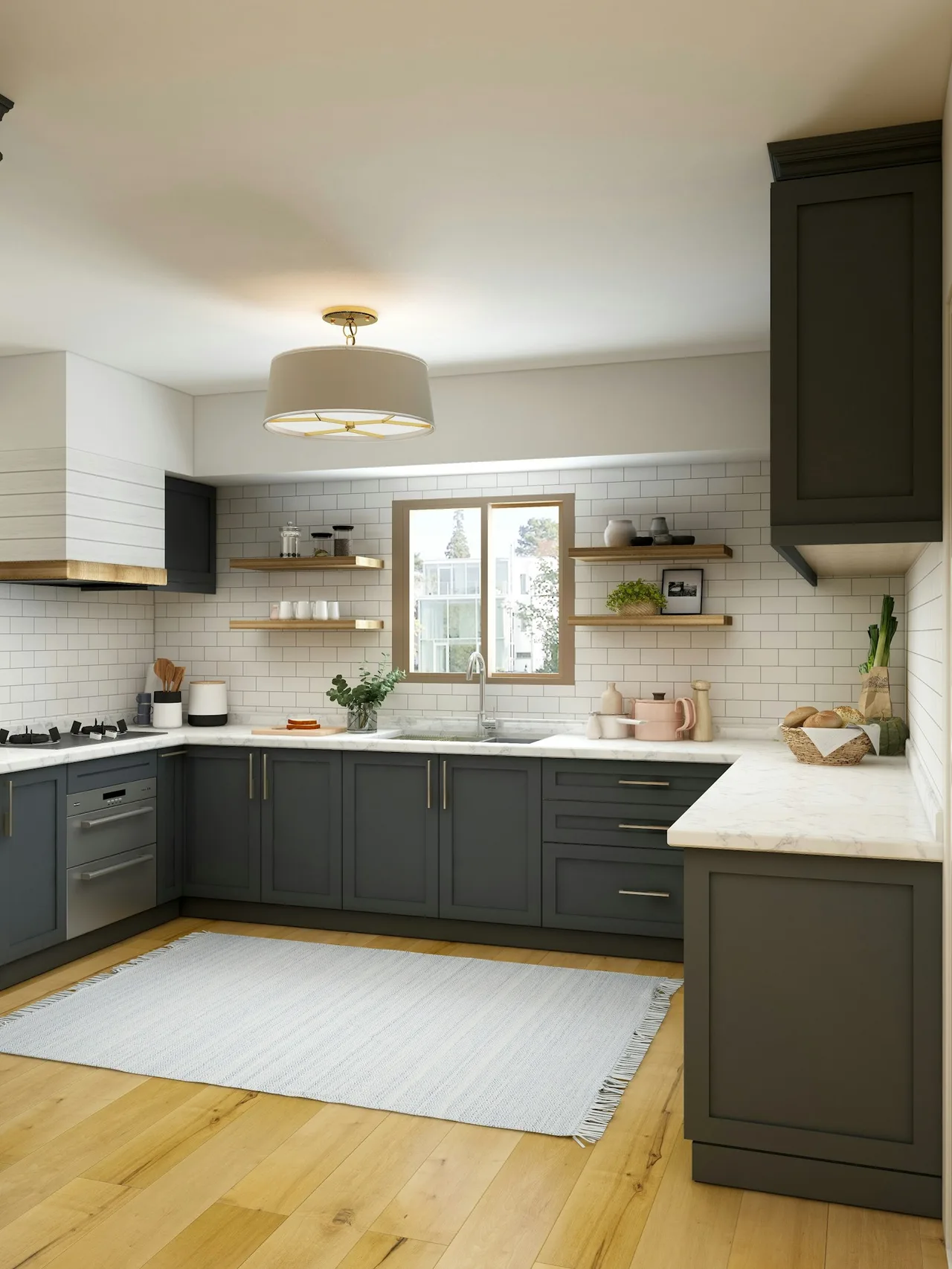
AI kitchen design preview showing shaker cabinets and white oak finish in a Japandi-inspired kitchen.

Countertops

Quartz, marble, butcher block, soapstone, concrete.

Backsplash

Subway, zellige, herringbone, large-format porcelain.

Lighting

Pendants, under-cabinet LED, sconces, recessed cans.

Flooring

Wide-plank oak, terracotta, patterned cement, porcelain.

Island & seating

Waterfall edge, butcher-block top, stool styling.

AI kitchen design styles

12 Kitchen design styles, one photo.

Pick a curated style and we tune the AI kitchen design prompt for that aesthetic — cabinetry, counters, backsplash, lighting, and finish choices calibrated for kitchens, not generic interiors.

Common use cases

What people actually use AI kitchen design for.

Homeowners, agents, and contractors use Deroom to visualize kitchens clearly, make confident decisions, and get everyone on the same page.

AI kitchen remodel preview comparing cabinet, counter, and backsplash combinations.
Plan

Remodel planning

Visualize cabinet, countertop, and backsplash combinations before renovating.

Kitchen visualizer testing cabinet color swap with layout and counters locked in place.
Preview

Cabinet color preview

Compare cabinet colors while keeping layout and counters fixed.

Pre-listing AI kitchen design render prepared for an MLS listing photo set.
Stage

Real-estate staging

Create polished after-images to show buyers the full potential.

Photoreal AI kitchen render with walnut cabinets and dark slatted island used to align with a contractor on cabinets, counters, and finishes.
Communicate

Contractor communication

Generate a photoreal render to align on cabinets, counters, and finishes.

What it can and can't do

Honest about what AI kitchen design can and can't do.

Use AI to explore styles, finishes, and visual direction — while leaving measurements, plumbing, electrical, and construction details to the pros.

Visual inspiration, not construction documentation

What AI is great for

  • Trying different cabinet, countertop, and backsplash looks
  • Comparing multiple styles on the same kitchen photo
  • Testing paint and cabinet color variations quickly
  • Creating photoreal previews for planning or staging
  • Communicating visual direction to family or contractors

What AI can't do

  • Move plumbing, gas lines, windows, or appliance locations
  • Provide exact measurements, shop drawings, or install specs
  • Replace a designer, contractor, or site visit
  • Guarantee local code compliance or technical feasibility
  • Guarantee exact product pricing, stock, or material matches

FAQ

Frequently asked questions.

AI kitchen design uses generative AI to reimagine a kitchen from a photo. You upload a picture of your kitchen, choose a style and how aggressively you want to change things, and the AI produces a photorealistic version of the same kitchen in your chosen direction — typically in 30 seconds. Works on galley, L-shaped, U-shaped, and open-concept kitchens.

Three steps: (1) upload a clear photo of your kitchen, (2) pick a style (Modern, Scandinavian, Japandi, Industrial, Mediterranean, Farmhouse, etc.) and an action mode (Full Redesign, Recolor Only, Declutter, Furniture Swap, or Quick Refresh), (3) the model returns a 4K photorealistic render keeping the room's geometry and plumbing intact.

Modern diffusion models reproduce cabinetry, countertops, lighting, and material textures convincingly. The room's footprint, window placement, and major fixtures stay consistent because the AI uses your photo as a structural reference, not a starting point to throw away. Outputs hold up to magnification on a 4K render — useful when handing them to a contractor.

12 curated styles out of the box: Modern, Scandinavian, Japandi, Industrial, Mediterranean, Bohemian, Mid-Century Modern, Farmhouse, Coastal, Contemporary, Minimalist, and Traditional. Each style is tuned for kitchens specifically — not just generic interior aesthetic transfer. A Japandi kitchen uses different cues than a Japandi bedroom, and the model knows that.

Yes on all paid plans (Starter, Pro, Enterprise). Use the renders in real-estate listings, remodel proposals, contractor briefs, social posts, or portfolios. Free-tier outputs are personal-use only — paid plans unlock commercial-use rights and 4K resolution.

Yes — sign up with Google and you get 10 free credits, enough for 1 free generation with no watermark. Paid plans start at $9.99/mo and unlock 20+ generations per month, commercial-use rights, and 4K resolution.

Yes — your first AI kitchen remodel is free, no credit card and no watermark. Sign up with Google and use your free credit to remodel your kitchen from a photo; paid plans add more monthly generations, commercial use, and 4K output.

Yes — generate AI kitchen remodel previews of your real kitchen with new cabinets, countertops, tile, and lighting before any contractor estimates. Try Full Redesign for a major remodel preview, or Quick Refresh for a smaller paint + hardware update on a $2-5K budget.

Your next room
is one photo away.

Sign up free, generate in 30 seconds.